
US · income-tax
How Do You Calculate Net Pay? A Gross-to-Net Paycheck Example
Net pay equals gross pay minus the deductions for that payment. The subtraction is simple; identifying the correct tax bases, period and deduction types is the part that needs care.
Published
Start with the period, then subtract its deductions
To calculate net pay, start with gross earnings for one payment and subtract the deductions belonging to that payment. Do not mix a current weekly gross figure with year-to-date taxes or an annual benefit total. Even accurate numbers give a wrong reconciliation when their periods differ.
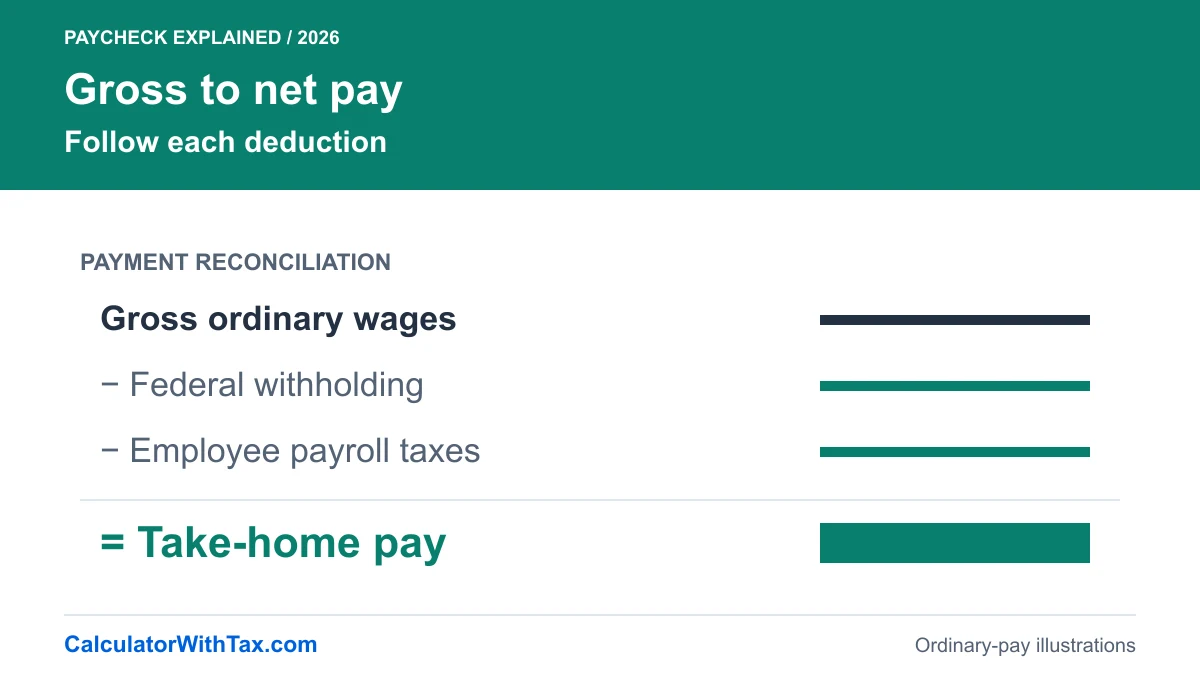
The basic equation is net pay = gross pay − total employee deductions. It is an accounting identity, not a universal tax formula. Before using it, decide what is included in gross, which taxes apply and whether benefits or other deductions change a taxable wage base.
This worked example uses one ordinary Florida-only employee payment in 2026. It assumes no pre-tax benefits, retirement contributions, garnishments or supplemental wages. It demonstrates the mechanics without pretending to cover the full range of payroll arrangements.
Keep gross pay, taxable pay and net pay separate
Gross earnings describe pay before the deductions in the reconciliation. A taxable wage base is the amount used for a particular tax calculation. Net pay is the remainder after the relevant employee deductions. These are not three names for the same figure.
A useful worksheet has one row per deduction and records the base and period alongside it. Do not reduce gross for a deduction and then subtract that same deduction twice because you also used a reduced taxable base. A reduction in a tax base and the cash deduction itself play different roles.
| Check | Useful record | Common mismatch |
|---|---|---|
| Payment period | Weekly, biweekly, semimonthly or monthly | Comparing unlike pay periods |
| Gross earnings | Ordinary current-period wages | Using a bank deposit as gross |
| Taxable bases | The base for each deduction | Assuming benefits affect every tax identically |
| Employee deductions | One current-period amount per line | Subtracting employer costs from employee pay |
| Net reconciliation | Gross minus displayed deductions | Subtracting a year-to-date total again |
Work through a USD 1,000 weekly payment
Our invented employee receives $1,000 weekly, has no earlier employer wages and uses the single W-4 selection with Step 2(c) unchecked and no adjustments. The Florida paycheck calculator uses the same inputs and engine as this illustration.
Reconcile an ordinary USD 1,000 weekly payment without hidden benefits or retirement assumptions.
Synthetic 2026 Florida-only ordinary wages; single W-4 status, Step 2(c) unchecked, no adjustments or prior wages unless shown below. No benefits, retirement deductions or supplemental pay. Each chart and table uses the calculator engine, not a real person's record. Professional tax review incomplete.
Take-home pay: $845.42Federal income tax: $78.08Social Security: $62.00Medicare: $14.50Additional Medicare: $0.00
| Scenario | Gross | Federal | Social Security | Medicare | Additional Medicare | Take-home |
|---|---|---|---|---|---|---|
| USD 1,000 weekly | $1,000.00 | $78.08 | $62.00 | $14.50 | $0.00 | $845.42 |
USD 1,000 weekly: 52 periods/year; prior same-employer wages $0.00; current Social Security taxable wages $1,000.00; current Additional Medicare taxable wages $0.00. Florida personal income tax: $0.00.
Exact-decimal intermediates; each deduction rounded to cents, half up. Net equals rounded gross minus displayed deductions. Employer whole-dollar rounding is not modeled. Rules checked 21 October 2026.
The deduction total is $154.58: $78.08 federal withholding, $62.00 Social Security and $14.50 Medicare. Subtract that total from $1,000.00 and the example’s net pay is $845.42. Additional Medicare and Florida personal income tax contribute zero in this case.
The individual rounded lines reconcile exactly with the displayed net. That is more useful for checking this example than subtracting an approximate combined percentage and accepting a different answer. The chart’s colored sections use these same amounts rather than independently rounded estimates.
Why a correct subtraction can still give the wrong forecast
Imagine copying $845.42 into a budget for a job that also has a health-plan deduction. The arithmetic in the illustration has not changed, but the scenario no longer matches. The missing deduction means the example is not a forecast of that worker’s deposit.
Our model does not solve this by letting you subtract an arbitrary benefits amount from gross. Different arrangements can affect different tax bases. A general adjustment box would look flexible while hiding an assumption that may not be valid. The current tool instead states the exclusion and declines to model it.
The IRS employer guide separates federal income-tax withholding from Social Security and Medicare. Treating the entire deduction total as a single income-tax line would lose that distinction. It would also make it harder to explain a payment where federal withholding is zero but payroll taxes remain positive.
Check one line at a time when the result differs
Start by matching the payment date, year and frequency. Next compare current-period gross. Only then compare each employee deduction. If your payslip includes an item the calculator excludes, record that as a limitation before interpreting a difference as an error.
For the federal line, check the entered W-4 status and adjustment units. For a year-to-date threshold, use wages before this payment from this employer, not a total including the new payment. Keep a copy of the calculation assumptions so that changing a field does not leave you comparing two different cases unknowingly.
Finally, separate a net-pay question from a final-tax question. This calculator estimates a payment under its stated withholding method. It does not establish how much tax a household will owe for the year or whether a refund is due. A sound reconciliation explains the payment it actually models and stops before claiming the rest.
Frequently asked questions
Is net pay the same as taxable pay?
No. Net pay is the amount after deductions. Taxable pay is a base used for a particular tax and can differ between tax types.
Can I subtract a flat percentage from every salary?
Not reliably. W-4 entries, frequency, taxable wage bases and year-to-date thresholds can affect deductions.
Should employer payroll taxes be subtracted from my net pay here?
No. This model calculates the employee deductions listed in the breakdown, not the employer's total employment cost.
Can the linked calculator handle pre-tax benefits?
No. It requires ordinary wages with the same federal, Social Security and Medicare taxable base and no excluded deductions.
Estimate a regular Florida paycheck
Use the same 2026 withholding engine as these examples. Benefits, supplemental wages and annual tax returns are outside its scope.
Florida paycheck calculator