
US · income-tax
How to Fill Out Form W-4: Understand the Fields Before You Enter Amounts
Use the current W-4 instructions to choose entries for your circumstances. Understanding each field's units helps prevent mistakes, but a paycheck illustration cannot decide your filing status, dependent eligibility or exemption.
Published
Begin with the current form, not an old allowances shortcut
Form W-4 tells an employer how to handle federal income-tax withholding. Start with the IRS’s current form and instructions, then read the steps relevant to your circumstances. A remembered instruction about claiming a number of allowances is not a reliable substitute for the modern form.
This guide explains the fields used by our limited regular-pay calculator. It does not prepare a personal W-4, choose a filing status, assess dependent eligibility or recommend exemption. Those decisions require your actual circumstances and the official instructions, not a synthetic salary example.
You do not need to enter identifying details on CalculatorWithTax. Names, Social Security numbers, addresses and signatures belong in the employer’s appropriate form process, not in our calculation inputs or a public support message.
Read the steps and their units together
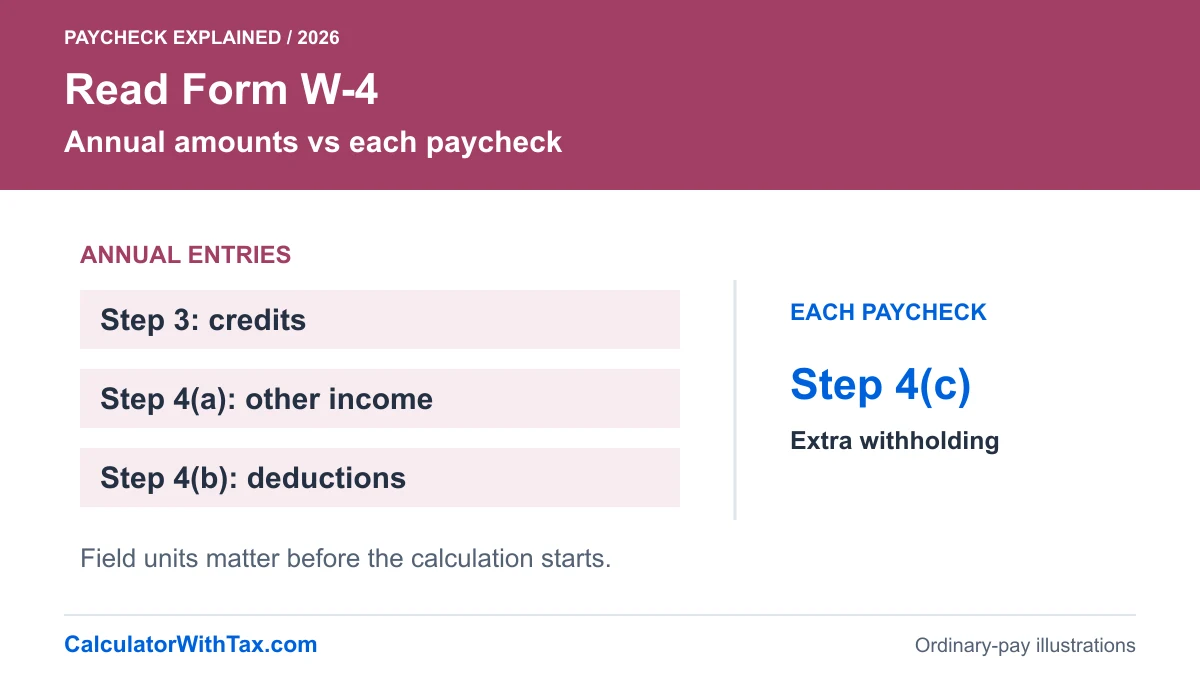
On the 2026 Form W-4, Step 1 contains personal details and the filing-status selection; Step 2 addresses multiple jobs or a working spouse. Step 3 concerns dependent and other credits. Step 4 contains other income, deductions and extra withholding. Follow the form’s instructions for which sections to complete and sign it as required.
| Input | Units entered here | What the calculator does not decide |
|---|---|---|
| Step 1(c) status | A supported status selection | Which status you qualify to use |
| Step 2(c) | Checked or unchecked | Whether this option fits your jobs |
| Step 3 | Annual credit amount | Dependent or credit eligibility |
| Step 4(a) | Annual other-income amount | A complete income projection |
| Step 4(b) | Annual deduction adjustment | Which deductions you can claim |
| Step 4(c) | Extra dollars each paycheck | The amount needed to meet your annual goal |
The distinction between annual and per-payment entries matters. A value entered in the wrong box can be numerically valid while expressing a very different instruction. Keep a note of the field name and units rather than referring only to an unlabeled dollar amount.
A controlled example of Step 3 and Step 4(c)
Hold the ordinary biweekly gross payment at $2,500 and the filing status at single. Leave Step 2(c) unchecked. Compare no adjustments with an invented annual Step 3 amount of $2,600 and an invented Step 4(c) amount of $25 per paycheck. Prior employer wages remain zero in both cases.
Change only the Step 3 and Step 4(c) entries, leaving filing status, wages and frequency unchanged.
Synthetic 2026 Florida-only ordinary wages; single W-4 status, Step 2(c) unchecked, no adjustments or prior wages unless shown below. No benefits, retirement deductions or supplemental pay. Each chart and table uses the calculator engine, not a real person's record. Professional tax review incomplete.
Take-home pay: $2,092.60Federal income tax: $216.15Social Security: $155.00Medicare: $36.25Additional Medicare: $0.00
Take-home pay: $2,167.60Federal income tax: $141.15Social Security: $155.00Medicare: $36.25Additional Medicare: $0.00
| Scenario | Gross | Federal | Social Security | Medicare | Additional Medicare | Take-home |
|---|---|---|---|---|---|---|
| No W-4 adjustments | $2,500.00 | $216.15 | $155.00 | $36.25 | $0.00 | $2,092.60 |
| Step 3 USD 2,600; 4(c) USD 25 | $2,500.00 | $141.15 | $155.00 | $36.25 | $0.00 | $2,167.60 |
No W-4 adjustments: 26 periods/year; prior same-employer wages $0.00; current Social Security taxable wages $2,500.00; current Additional Medicare taxable wages $0.00. Florida personal income tax: $0.00.
Step 3 USD 2,600; 4(c) USD 25: 26 periods/year; prior same-employer wages $0.00; current Social Security taxable wages $2,500.00; current Additional Medicare taxable wages $0.00. Florida personal income tax: $0.00.
Exact-decimal intermediates; each deduction rounded to cents, half up. Net equals rounded gross minus displayed deductions. Employer whole-dollar rounding is not modeled. Rules checked 21 October 2026.
The model spreads $2,600 across 26 periods, giving a $100 per-period credit adjustment. It then adds $25 extra withholding. Federal withholding changes from $216.15 to $141.15: a $75 reduction, not a $2,600 reduction in this one payment. The Social Security and Medicare lines do not change in this controlled example.
This isolates units, not eligibility. It does not say that a worker earning this amount should claim $2,600. Nor does it promise that the resulting withholding will match that worker’s eventual tax bill. Selecting a convenient net-pay result is not evidence that a W-4 entry is appropriate.
Why another job needs more than a checkbox demonstration
The Step 2(c) selection changes the schedule used by this calculator. It does not tell us the pay at another employer, a spouse’s earnings or withholding already collected. A comparison with that box checked can explain the current-payment effect without becoming a household tax projection.
For a personal adjustment, the IRS Tax Withholding Estimator is a more suitable starting point for supported users. Gather the records it requests rather than trying to reconstruct an entire year from one ordinary paycheck. Our tool is deliberately narrower and does not calculate a replacement W-4 for you.
Review changes without mixing up the reason
Keep the same gross payment, frequency and prior wages when testing one W-4 adjustment. Change one field at a time and compare the federal line first. If you also change frequency, it becomes harder to tell whether a difference arose from the instruction or from a different gross payment.
Use your employer’s process to provide the completed form. If the question concerns an old form, exemption, a nonresident adjustment or a special payroll instruction, do not force it into this model. Those cases are excluded rather than silently approximated. The most useful output is one whose assumptions you can repeat and explain, not simply the largest possible take-home figure.
Frequently asked questions
Is Step 4(c) an annual amount?
No. It requests additional withholding for each pay period. In this model, Step 3 and Steps 4(a) and 4(b) use annual amounts.
Should I enter the amount used in the article?
No. The amounts are invented to explain units and calculation effects. They are not recommended claims for you.
Does checking Step 2(c) calculate all my household income?
No. The checkbox selects a different withholding schedule here. It does not supply information about another job or calculate a joint return.
Can I submit a W-4 through this website?
No. The calculator neither submits a form nor collects your identity. Use the IRS instructions and your employer's process.
Estimate a regular Florida paycheck
Use the same 2026 withholding engine as these examples. Benefits, supplemental wages and annual tax returns are outside its scope.
Florida paycheck calculator